EVENTS & CONFERENCES

Custom Event & Conference Software Development

From the first badge to the final audience reaction.

Give attendees something to take part in—and your event team software that supports the experience.

IDEAS INTO INTERACTIONS01 — 08
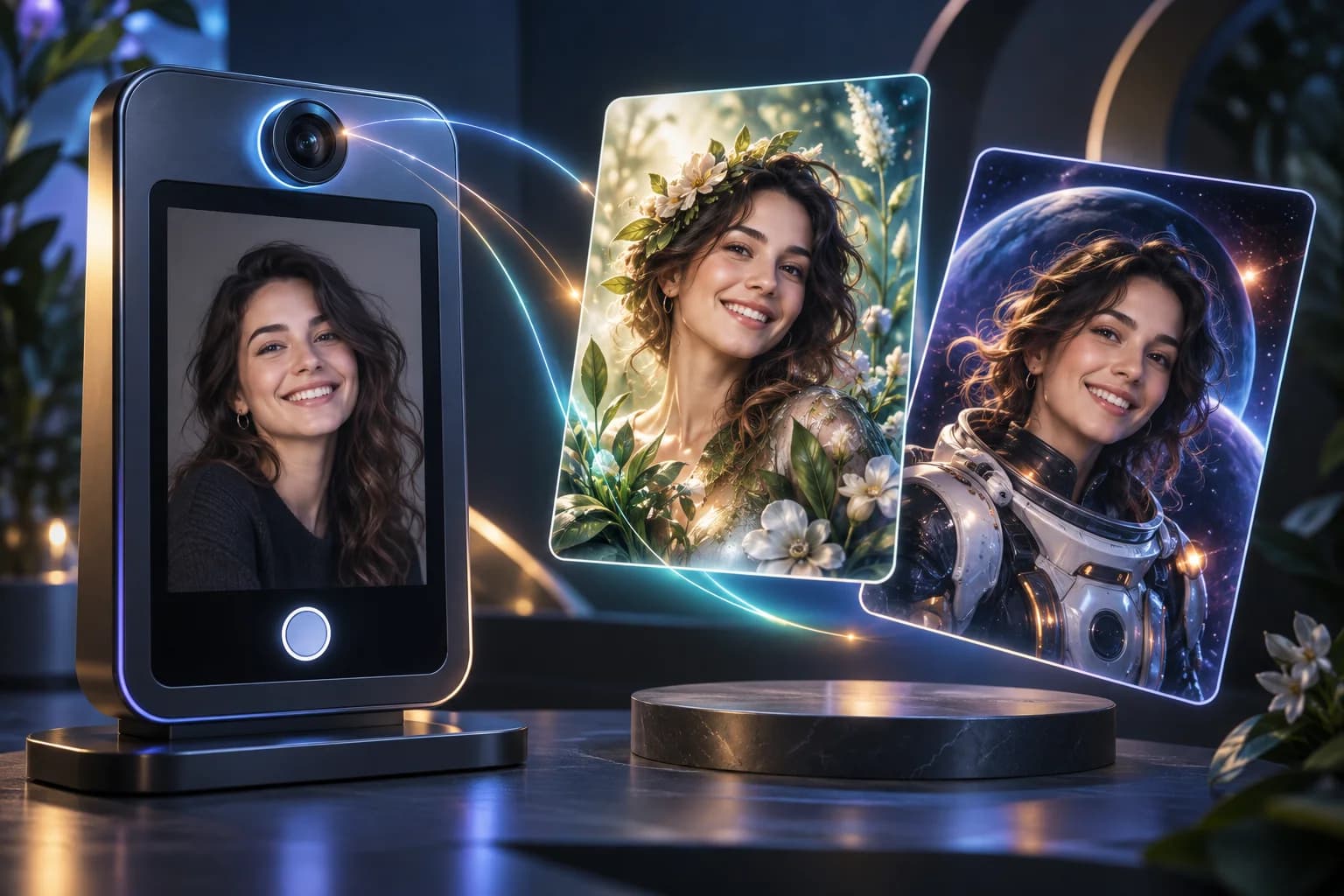
Concept illustration of a guest photo transformed into botanical and cosmic AI portraits.A moment, reimagined.

Illustrative software experience concepts

THE SOFTWARE BEHIND THE EXPERIENCE

For event organisers, experiential agencies, exhibition teams and corporate event planners.

YOUR IDEA, DEVELOPED

Your creative idea.
A working event experience.

Technanosoft develops custom event software for registration, badge printing, AI photo booths, interactive games, digital judging and live audience reactions. We turn event concepts into practical applications for guests, judges and organisers.

A guest takes a photo and becomes part of your campaign. A physical cube changes the story on screen. Judges submit scores digitally while the audience responds with live reactions.

We build the software behind these moments.

Our delivered projects span both sides of an event: the tools that help teams manage the programme and the interactive experiences that invite people to participate.

Start with one requirement or discuss a combination of solutions built around your event.

EIGHT WAYS TO MAKE IT HAPPEN

Event Software
We’ve Delivered

Explore eight ways to bring more interaction—and less manual work—to your next event.

Concept illustration of a guest photo transformed into botanical and cosmic AI portraits.01
Concept illustration AI photo booth
IDEAL FOR

Brand activations, corporate events, exhibitions and product launches.

EXPERIENCE 01

AI Photo Booth Software

Put your guests inside your event’s creative theme.

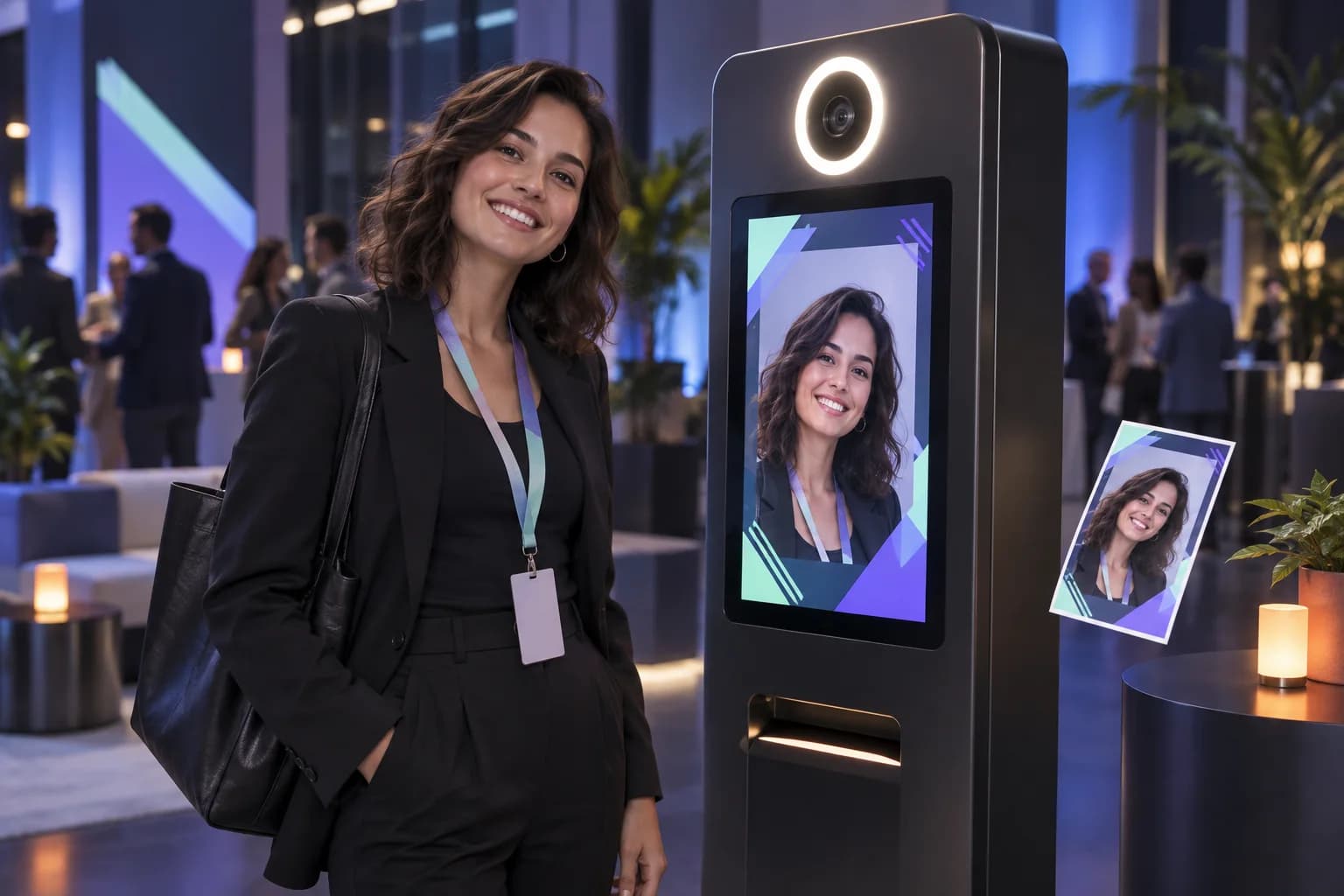
Turn attendee photos into themed AI-generated images that make each guest part of the experience. From a campaign-inspired portrait to a visual concept created for a conference, AI photo booth software gives your event a personalised photo interaction.

Technanosoft develops the software behind the photo journey, with the creative direction and output shaped around your brief.

Customisation options to discuss

AI image styles, branded layouts, capture screens and photo delivery methods.
Discuss AI photo booth
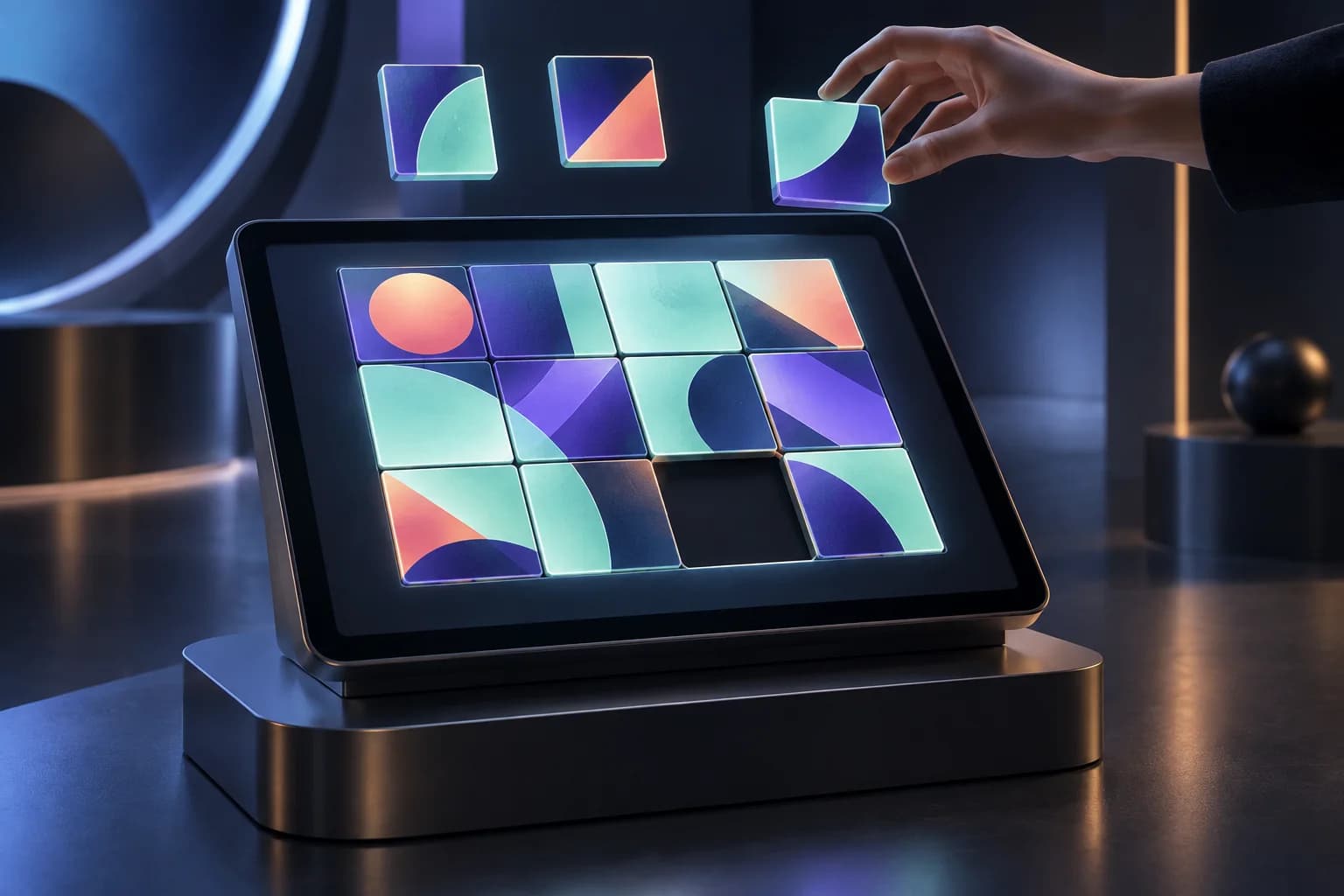
Concept illustration of a touchscreen puzzle with colourful geometric tiles.02
Concept illustration Interactive puzzles
IDEAL FOR

Exhibition stands, brand activations, employee events and breakout areas.

EXPERIENCE 02

Interactive Puzzle Game Software

Give visitors a challenge worth stopping for.

Turn your event message, product artwork or campaign concept into a digital puzzle. Invite attendees to solve a challenge rather than simply look at another screen.

We develop interactive puzzle game software around the experience you want to create—from a short booth activity to a challenge used between conference sessions. The game can be designed to introduce a product, reinforce a message or encourage participation.

Customisation options to discuss

Puzzle formats, artwork, difficulty, timers and completion screens.

Discuss Interactive puzzles
Concept illustration of a guest capturing a natural portrait at a branded selfie kiosk.03
Concept illustration Selfie kiosk
IDEAL FOR

Corporate celebrations, conferences, exhibitions and sponsor areas.

EXPERIENCE 03

Branded Selfie Kiosk Software

Make taking a photo part of the event experience.

Give attendees a self-service way to capture a photo through a dedicated kiosk interface. Keep the interaction simple while making the screen design and photo presentation feel like part of your event.

Technanosoft develops selfie kiosk software for branded photo experiences. Unlike an AI photo booth, the focus is on capturing the guest’s photo rather than generating a new AI interpretation.

Customisation options to discuss

Capture flow, event frames, photo previews, retakes and output formats.

Discuss Selfie kiosk
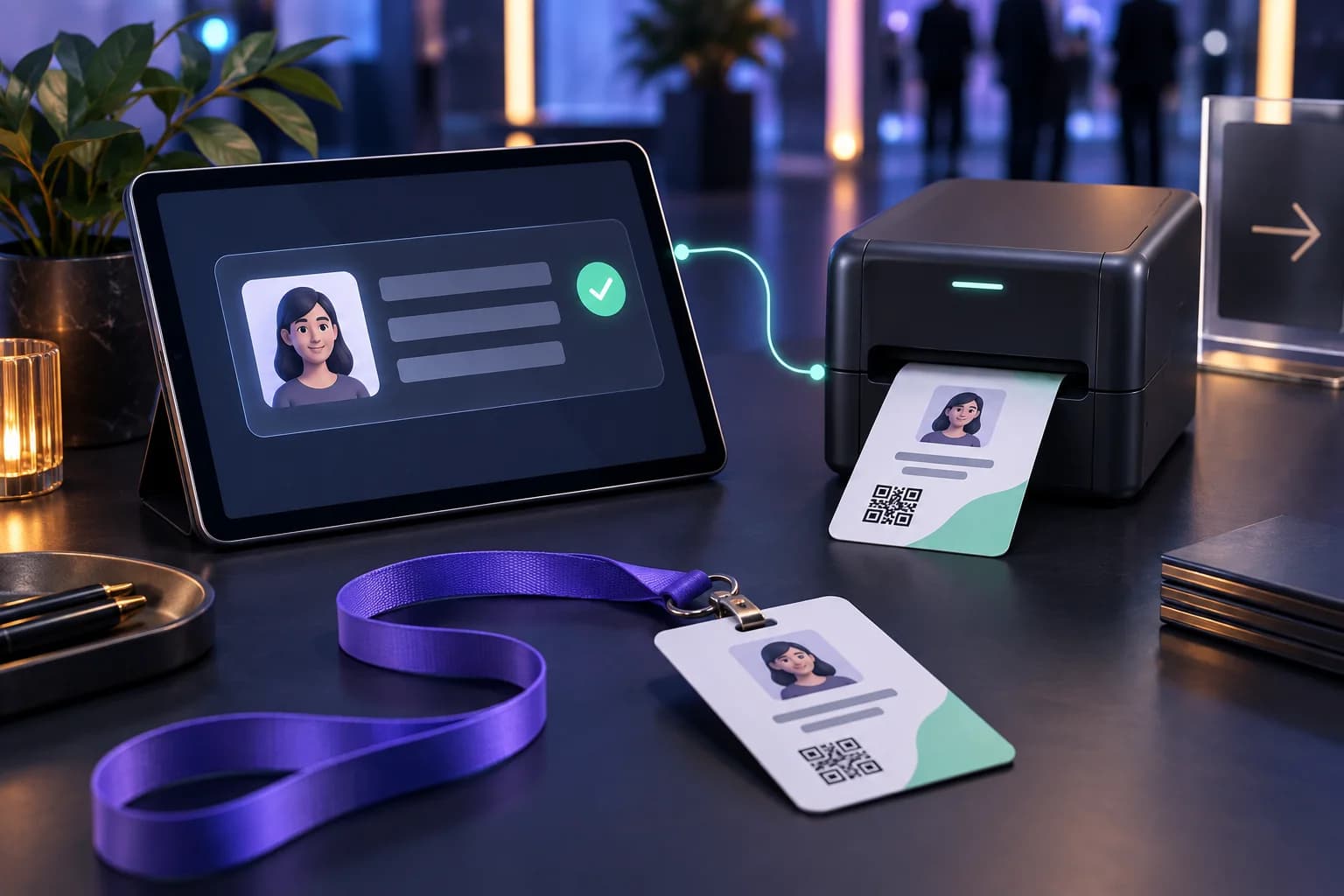
Concept illustration of attendee details on a tablet connected to a printer producing an event badge.04
Concept illustration Registration & badges
IDEAL FOR

Conferences, business summits, exhibitions and invitation-based events.

EXPERIENCE 04

Event Registration & Badge Printing Software

Move from attendee details to a printed badge.

Bring event registration and badge generation into a practical workflow for your registration team.

We develop event registration and badge printing software that uses attendee information to produce event badges. Build the process around the details your team needs, the badge design your event requires and the way guests arrive at the venue.

The goal is straightforward: less repeated data handling at the registration desk.

Customisation options to discuss

Registration fields, attendee categories, badge templates, check-in steps and compatible printer integration.

Discuss Registration & badges
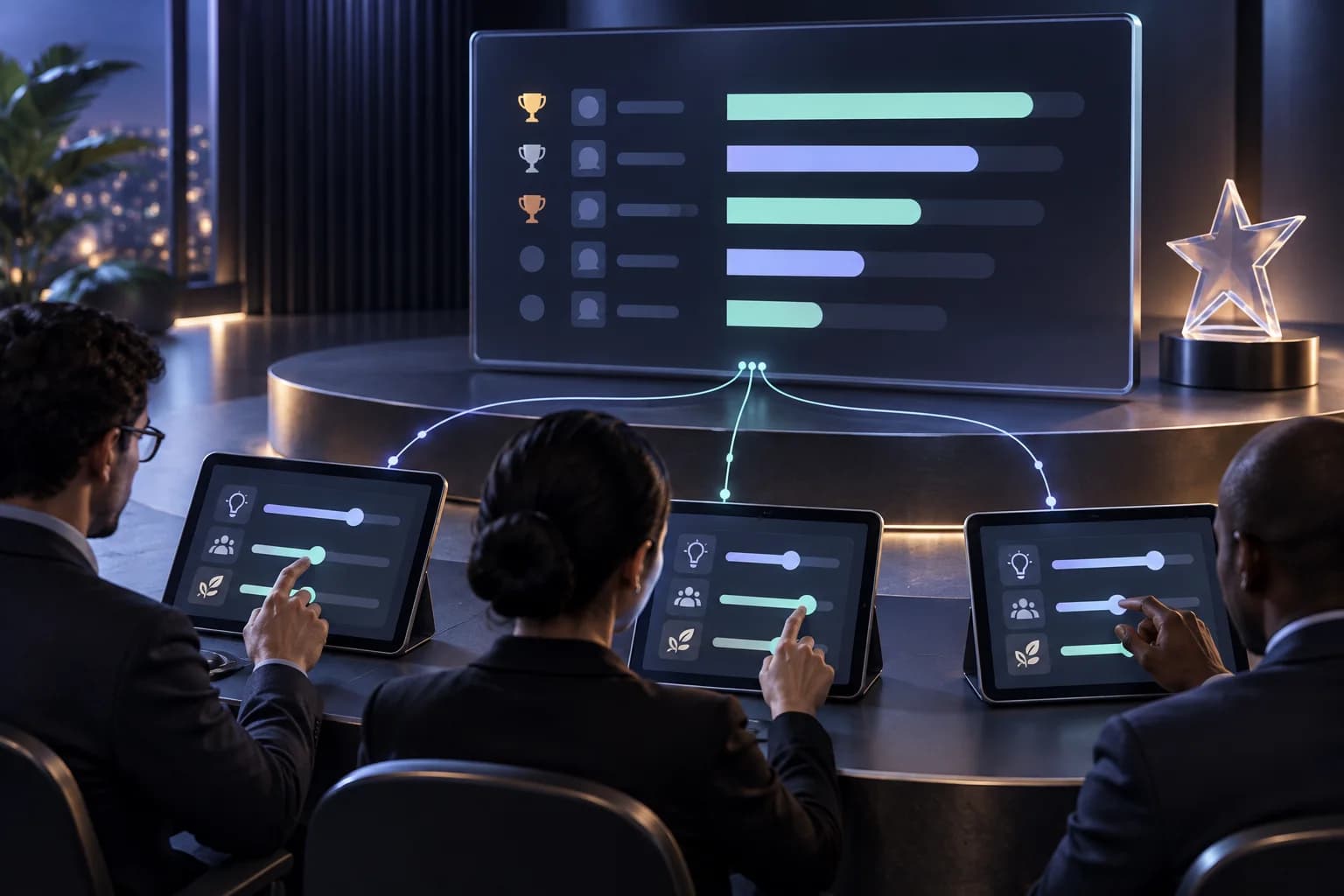
Concept illustration of judges’ scoring tablets connected to an organiser’s results display.05
Concept illustration Judging & scoring
IDEAL FOR

Innovation challenges, pitch competitions, hackathons, awards and presentation contests.

EXPERIENCE 05

Digital Judging & Scoring Software

Keep the focus on the presentation—not the score sheet.

Give judges a structured way to assess presentations, ideas or competition entries against agreed criteria.

Technanosoft develops digital judging and scoring software that brings score submission and calculated totals into an organiser-facing workflow. Judges can concentrate on their evaluations while organisers review submitted scores without collecting and combining separate paper sheets.

Build the scoring experience around your competition’s rules, rather than adapting the competition to a fixed form.

Customisation options to discuss

Judging criteria, scoring scales, presentation assignments, submission controls and result views.

Discuss Judging & scoring
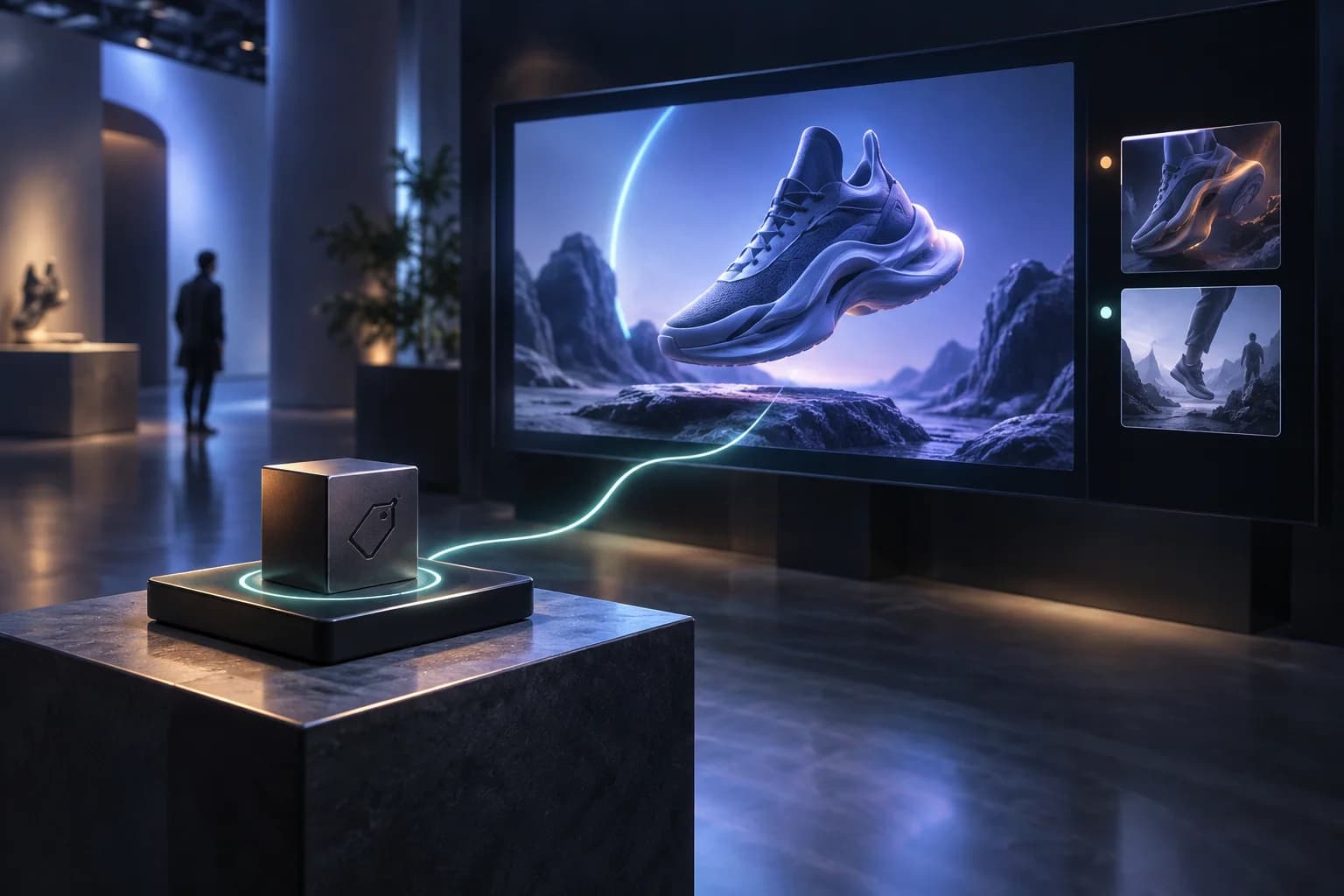
Concept illustration of an RFID cube on a reader triggering product content on a display.06
Concept illustration RFID experiences
IDEAL FOR

Product discovery stands, exhibitions, brand installations and interactive presentations.

EXPERIENCE 06

RFID Cube & Interactive Display Software

Let a physical object choose what plays on screen.

Turn a cube interaction into an on-screen response. When a compatible RFID reader detects a configured tag, the software triggers the video mapped to that interaction.

We develop RFID-based video switching software that connects physical participation with digital storytelling. Instead of watching a continuous video loop, visitors can interact with the installation to explore different content.

Customisation options to discuss

Tag-to-video mapping, content sequences, display layouts, idle screens and reset behaviour.

Discuss RFID experiences
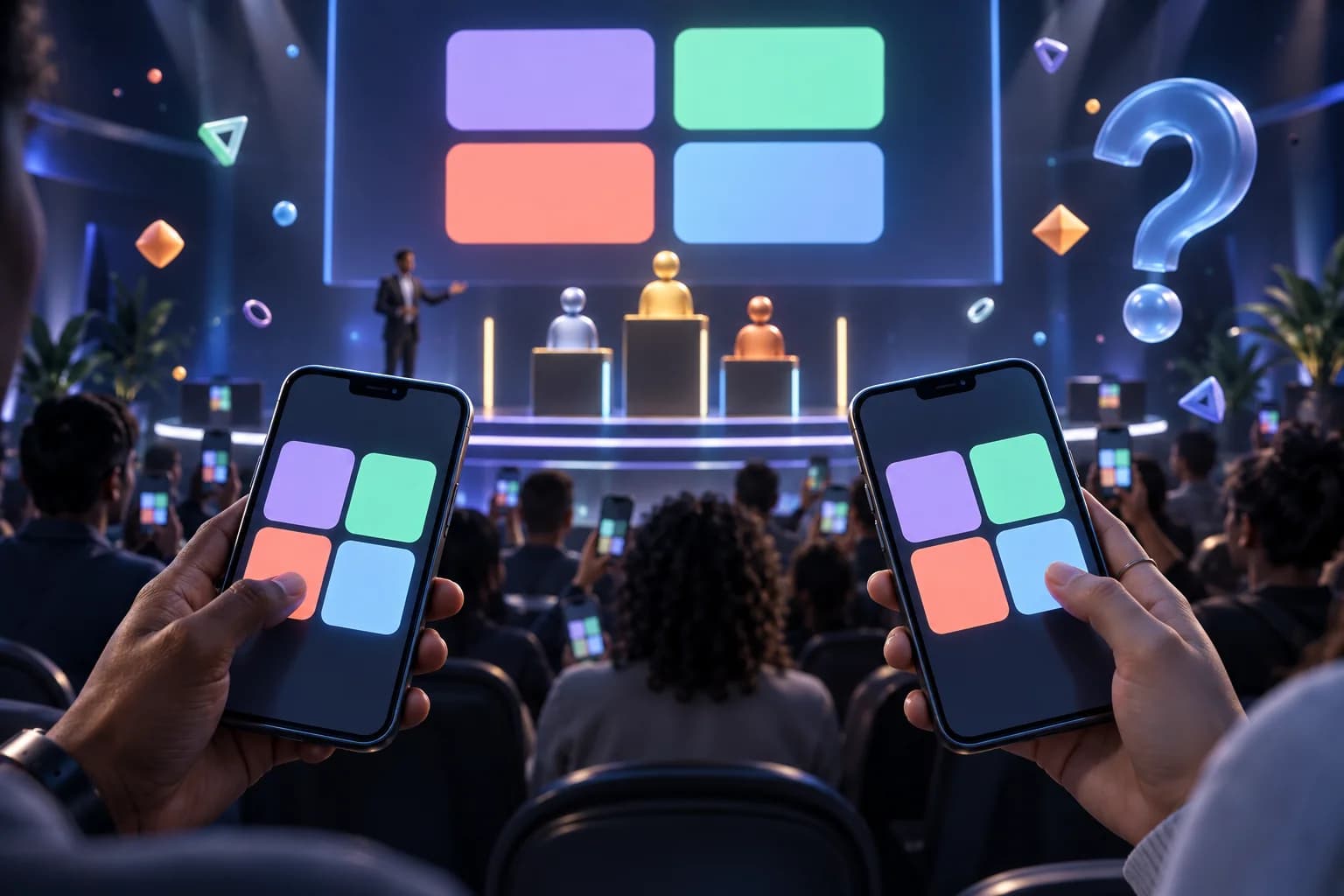
Concept illustration of phone-based quiz answers and a shared event leaderboard.07
Concept illustration Live quizzes
IDEAL FOR

Conferences, employee engagement programmes, training events and brand activations.

EXPERIENCE 07

Live Quiz & Event Gamification Software

Turn a session break into a shared challenge.

Invite attendees to answer questions, test their knowledge and take part in an event-themed quiz.

Technanosoft develops quiz game software around your content and participation format. Use it to introduce a product, revisit presentation topics or add a playful activity to your programme. The questions and game experience can reflect your audience, rather than relying on a generic quiz template.

Customisation options to discuss

Question formats, rounds, timers, scoring rules and leaderboard displays.

Discuss Live quizzes
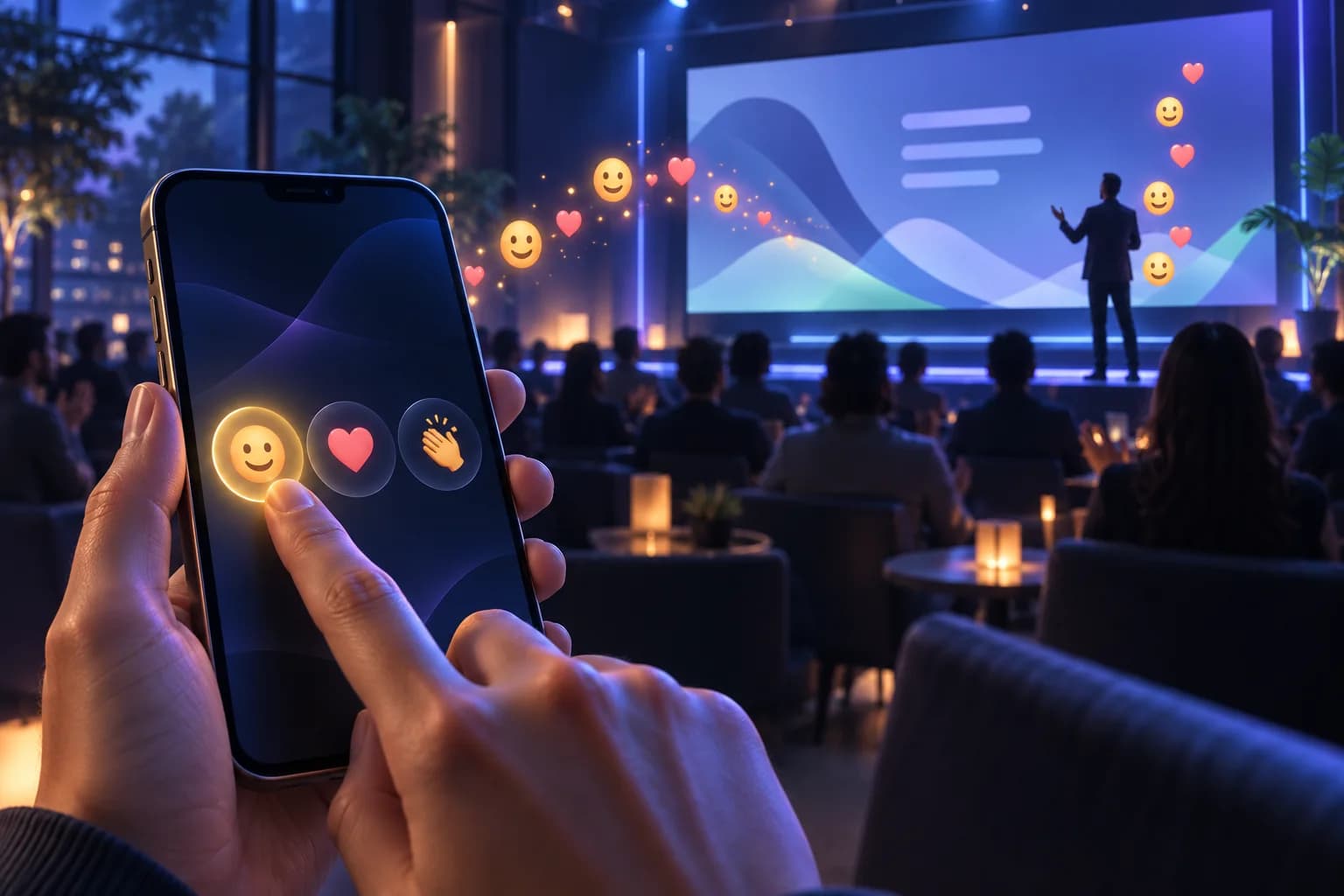
Concept illustration of an attendee selecting an emoji on a phone to appear on a presentation display.08
Concept illustration Audience reactions
IDEAL FOR

Conference presentations, company town halls, pitch sessions and internal events.

EXPERIENCE 08

Live Audience Reactions Software

Let the room respond without interrupting the speaker.

Give audience members a simple way to react to a presentation using smile and emoji buttons. Their selected reactions appear on the event display, making participation visible across the room.

We develop live audience reaction software that connects attendee input with animated on-screen responses. It adds an interactive element to presentations while letting the speaker continue.

Customisation options to discuss

Reaction choices, animation styles, display layouts and session controls.

Discuss Audience reactions

ONE EXPERIENCE. OR THE WHOLE JOURNEY.

Build the right combination for your event.

You may need a single activity for an exhibition stand—or several software experiences across a conference.

Choose the combination around what attendees should do and what your team needs to manage.

Discuss Your Event
Event moments and software to consider
Event momentSoftware to consider
Welcome attendeesRegistration and badge printing
Create a personal momentAI photo booths and branded selfie kiosks
Invite participationInteractive puzzles and live quizzes
Let visitors exploreRFID cube-controlled video experiences
Run presentation judgingDigital judging and scoring
Bring the audience into the sessionLive emoji reactions

Solutions can be scoped independently. Where experiences need to share data or work together, those connections should be planned as part of the project.

YOUR TEAM. OUR DEVELOPMENT EXPERTISE.

Built for the teams
behind the event.

01 /

Event & Experiential Agencies

Bring your creative concepts to a software development team that can translate them into attendee interactions. Shape the application around your client’s campaign, event identity and production brief.

02 /

Conference & Summit Organisers

Support the practical parts of your programme, from registration and badges to judging and audience participation. Give each user a clear experience for the task they need to complete.

03 /

Brand & Exhibition Teams

Create reasons for visitors to stop, interact and explore. Use photo experiences, games and RFID-controlled content to make your event concept something people can participate in.

04 /

Corporate Event Teams

Build activities for town halls, innovation programmes, employee events and internal competitions. Adapt the content and interaction to your organisation’s audience and goals.

FROM BRIEF TO EVENT DAY

Designed around the event—
not just the screen.

An event application needs to make sense to the guest using it, the operator running it and the team managing the programme. Our development approach starts with those interactions.

  1. 01

    Define the experience

    Map what attendees, judges and organisers need to do. Establish the event format, expected participation, operating environment and intended outcome.

  2. 02

    Design the complete journey

    Plan the participant screens alongside the organiser controls. Consider instructions, completion steps, resets and the information each person needs to see.

  3. 03

    Build around the selected setup

    Develop the application for the agreed devices and equipment. Identify any camera, printer, RFID reader, display or external-system connections required for the experience.

  4. 04

    Test before the event

    Review the software against the agreed event workflow. Test the selected equipment, content, scoring rules and recovery steps before putting the experience in front of attendees.

CUSTOM, DOWN TO THE DETAILS

Make the software feel like part of your event.

Your event identity should carry through the experience—not stop at a logo in the corner.

We can scope customisation across the participant interface, branded content, game rules, scoring criteria, badge layouts and display behaviour.

Bring us a clear requirement, a rough concept or a reference experience. We’ll help define the software needed to deliver it.

Discuss Your Event

A FEW PRACTICAL DETAILS

Questions About
Our Event Software

From a single interaction to a connected event experience.

Talk through your idea
01What types of event software does Technanosoft develop?

Our delivered projects include AI photo booth software, interactive puzzle games, selfie kiosks, event registration and badge printing, digital judging and scoring, RFID-triggered video displays, quiz games and live audience reactions.

Each project is shaped around its intended users, event format and operating requirements.

02Can we commission just one solution?

Yes. The project can focus on a single requirement, such as a judging application, an AI photo booth or a branded quiz. Multiple experiences can also be discussed together, with any shared data or integrations defined in the scope.

03Can the software match our event or client’s branding?

Branding can be included in the project requirements, from participant screens and instructions to photo layouts, badge designs and display content. Share the relevant brand guidelines and creative assets during planning so the experience can be designed consistently.

04What is the difference between an AI photo booth and a selfie kiosk?

A selfie kiosk focuses on capturing a guest’s photo through a self-service interface. An AI photo booth uses the guest’s photo to create an AI-generated interpretation based on a selected visual theme.

They offer different experiences and can be scoped separately.

05How does the RFID cube change the video?

The application connects a recognised RFID tag with a predefined video. When the reader detects that tag through the intended cube interaction, the software triggers the corresponding content on the connected display.

The reader, tag arrangement and interaction method are defined for the installation.

06Does the audience reaction software analyse people’s faces?

The audience reaction experience described here uses attendee-selected smile and emoji inputs. Participants choose a reaction, and the software displays it on screen.

It should not be confused with facial-expression detection or automated emotion analysis.

07Can the software work with our existing event equipment?

Existing equipment can be reviewed during project planning. Compatibility depends on the selected cameras, printers, RFID readers, operating systems and display setup.

Hardware supply, installation and on-site operating responsibilities should be agreed separately from the software requirements.

08Will the software work without an internet connection?

Connectivity requirements depend on the application and its integrations. Local operation, offline functionality and recovery behaviour should be discussed during scoping rather than assumed across every solution.

Experiences that depend on external services need an appropriate connectivity plan.

09How early should we start the project?

Share the event date, required experience and available equipment as early as possible. The delivery plan depends on the software scope, creative assets, integrations and time needed for testing.

A simple standalone activity and a multi-device installation will require different levels of preparation.

LET’S BUILD THE EXPERIENCE

Tell us what your attendees
should experience.

A photo that puts them inside your campaign. A game that gets them involved. A cube that reveals a product story. A judging process that keeps scores organised.

Bring us the idea—and the event behind it.

Discuss Your Event

Share your event date, audience size and the software experience you have in mind.