Intake
Work arrives scattered
Requests move through CRM notes, email, WhatsApp, spreadsheets, forms, calls, or internal tools without one reliable operating view.
AI workflow audit for responsible automation planning
A focused AI workflow audit for teams that know manual work is slowing them down, but need a clear, responsible way to decide what to automate, what to connect, what to keep human-reviewed, and what to avoid for now.
Audit Workbench
We map one real workflow from request to outcome, then separate what AI can assist, what software should control, what data must be cleaned, and what should stay human-reviewed.
Requests move through CRM notes, email, WhatsApp, spreadsheets, forms, calls, or internal tools without one reliable operating view.
Teams classify, summarize, copy, chase, validate, and route the same information before the real business decision can happen.
Important actions depend on memory, chat messages, or manual checking instead of permission rules, confidence thresholds, and audit trails.
Leaders only see the workflow after someone cleans the data, updates the sheet, or exports another report.
Automation Fit Score
The score protects the project from trendy AI guesses. It compares business value, repeatability, data readiness, risk, technical effort, workflow ownership, and measurable impact.
Clear inputs, repeatable rules, available data, measurable outcomes, and a human owner who can review edge cases.
Strong business value, but the workflow needs cleaner data, tighter permissions, better integrations, or a smaller release first.
Too ambiguous, too risky, too unstable, or too dependent on judgment for AI to be useful as an early automation step.
What You Leave With
A plain-English view of where work slows down, repeats, loses context, or waits for approval.
A ranked backlog using business value, complexity, data readiness, risk, ownership, and measurability.
The CRM, email, spreadsheets, dashboards, APIs, documents, and systems that must connect.
Where AI can suggest, where rules should decide, and where a person must approve.
The smallest useful pilot that can be built, tested, launched, measured, and improved.
Whether the next step should be automation, an AI agent, dashboard, integration, or custom software.
Where This Becomes Useful
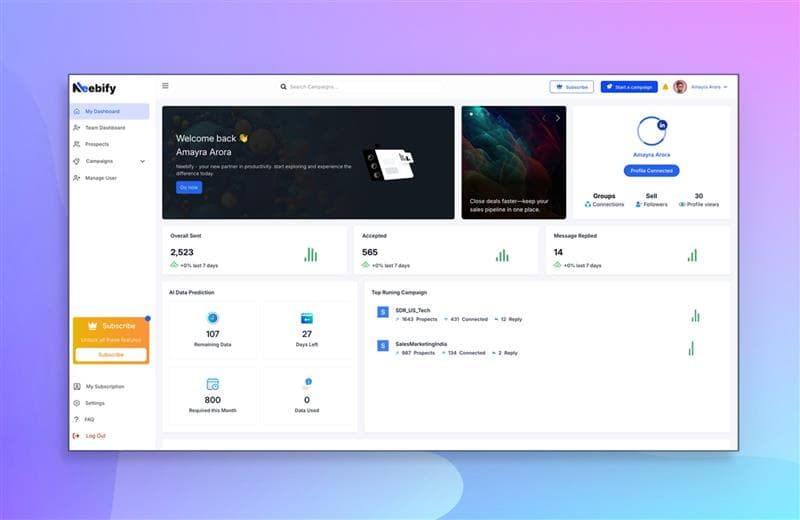
Lead sourcing, message drafting, LinkedIn and email follow-ups, reply handling, CRM updates, and campaign analytics.
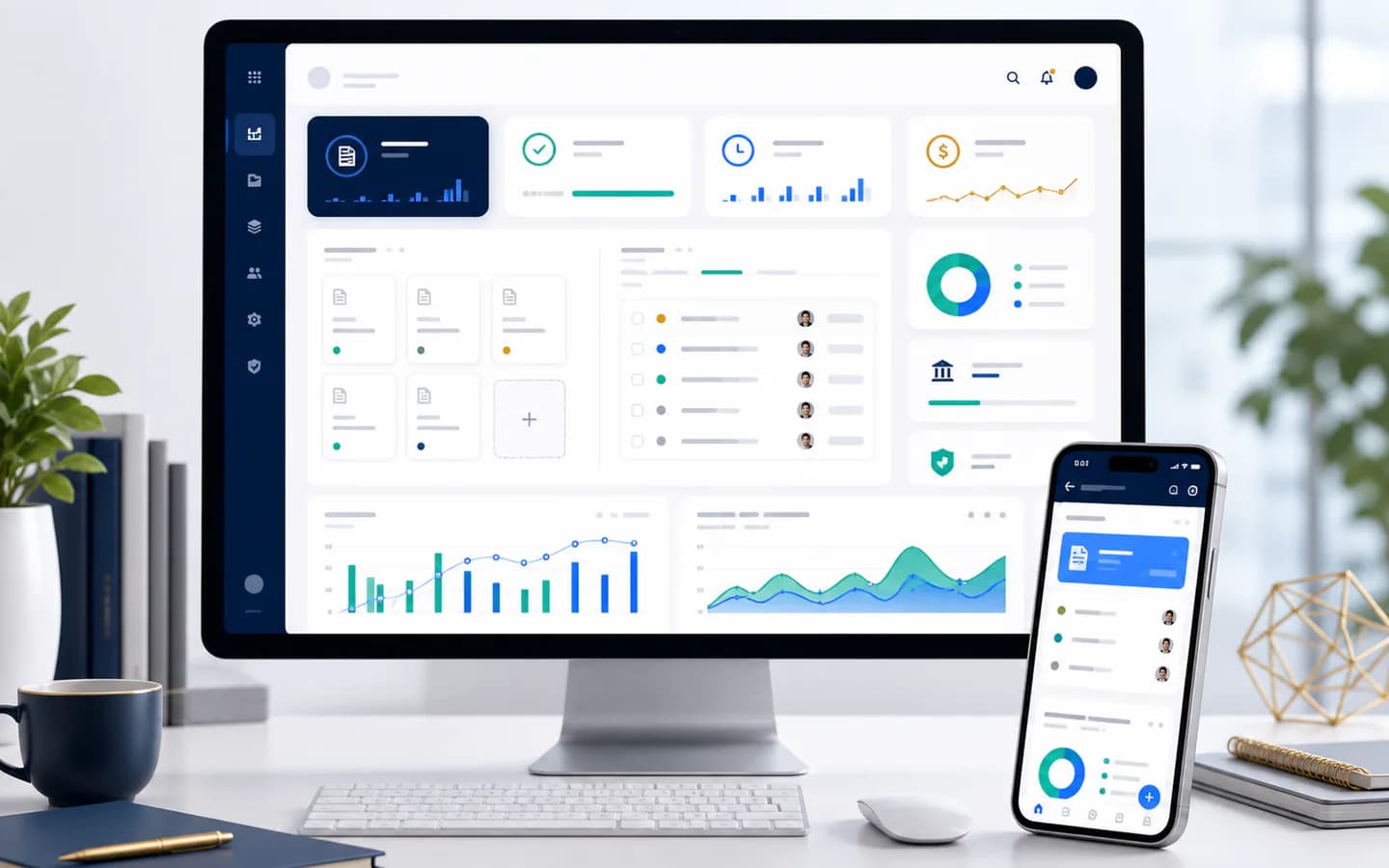
Invoice intake, OCR extraction, approval routing, payment status, exception review, and reporting handoff.
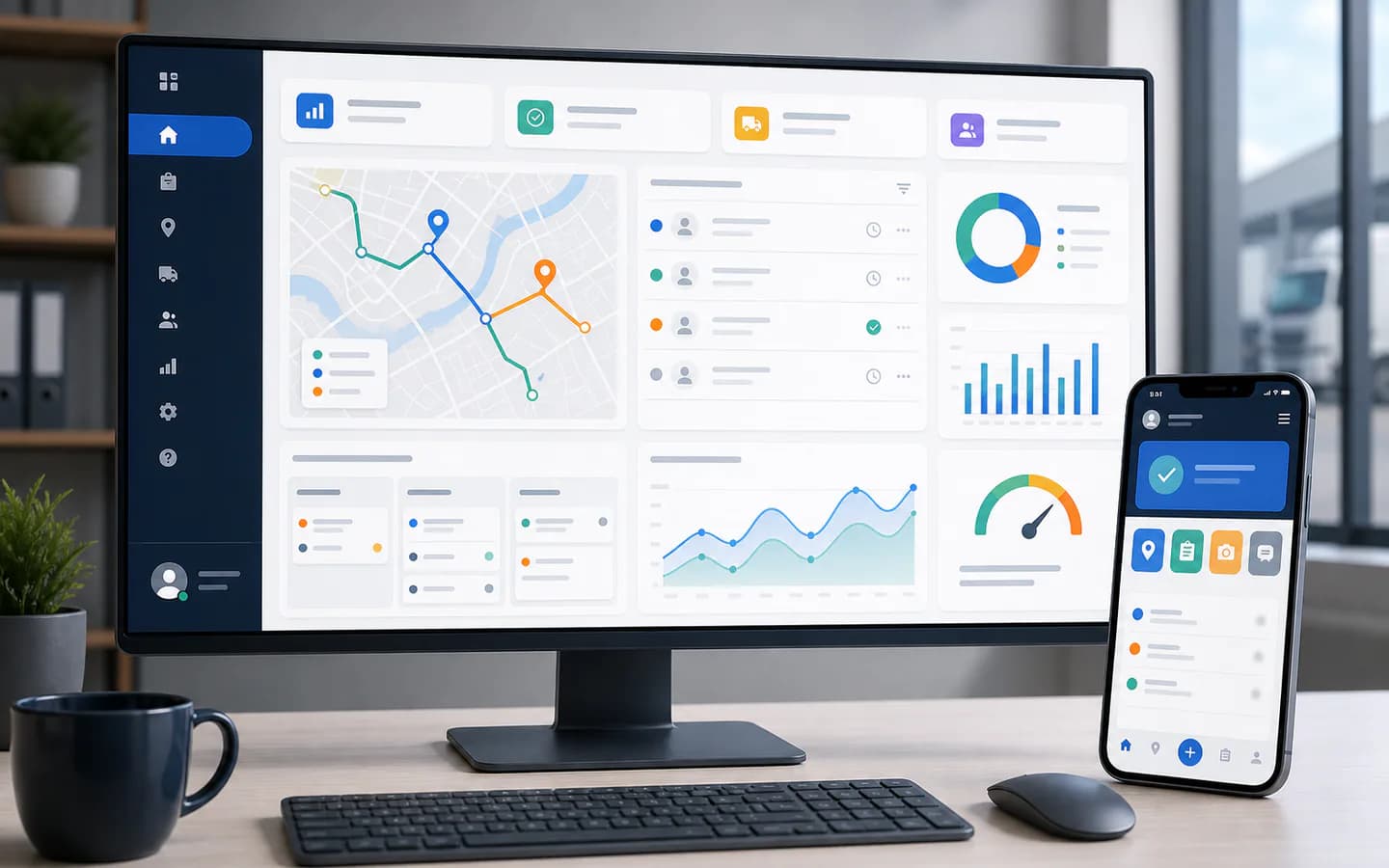
Task assignment, route updates, attendance and location workflows, supervisor approvals, reporting, and mobile actions.
Responsible AI Boundaries
A credible audit should reduce risk, not create a larger one. Some workflows need process cleanup, better data, clearer ownership, or a narrower pilot before AI belongs in production.
From Audit To Build
Rules, triggers, AI assistance, validation, integrations, reporting, and approval queues around your current tools.
AI agent developmentA controlled assistant for documents, sales, support, knowledge, reporting, or operations with limited permissions.
Custom dashboardA role-based dashboard where teams review work, approve AI suggestions, see exceptions, and track workflow status.
SaaS or internal platformWhen the workflow is core to the business, the audit becomes a roadmap for a product or internal operating system.
Practical Questions
The initial consultation is free. We use it to understand the workflow, identify obvious automation opportunities, and recommend whether a deeper paid discovery, prototype, or build phase makes sense.
Bring the workflow you want to improve, the tools involved, examples of repetitive tasks, current reports or spreadsheets, known bottlenecks, approval rules, and any security concerns.
No. A good audit may recommend AI automation, a custom dashboard, integration work, data cleanup, process redesign, or no automation until the workflow is stable enough.
Yes. Common audit areas include CRM workflows, inboxes, WhatsApp handoffs, accounting tools, helpdesks, spreadsheets, customer portals, field apps, reports, and approval systems.
You can move into prototype planning, AI agent development, workflow automation, custom software, dashboard development, integration work, or a focused MVP build with clear scope and controls.
Bring one workflow that feels too manual, slow, or scattered. We will help you identify the practical automation path, the right first release, and the safeguards needed before launch.
Book Free AI Workflow Audit